SR-8 in Utah Traffic Cameras, Closures & Conditions - 4 Live
UDOT traffic cameras along SR-8 in Utah. 4 of 4 cameras showed a live picture in the last 24 hours.
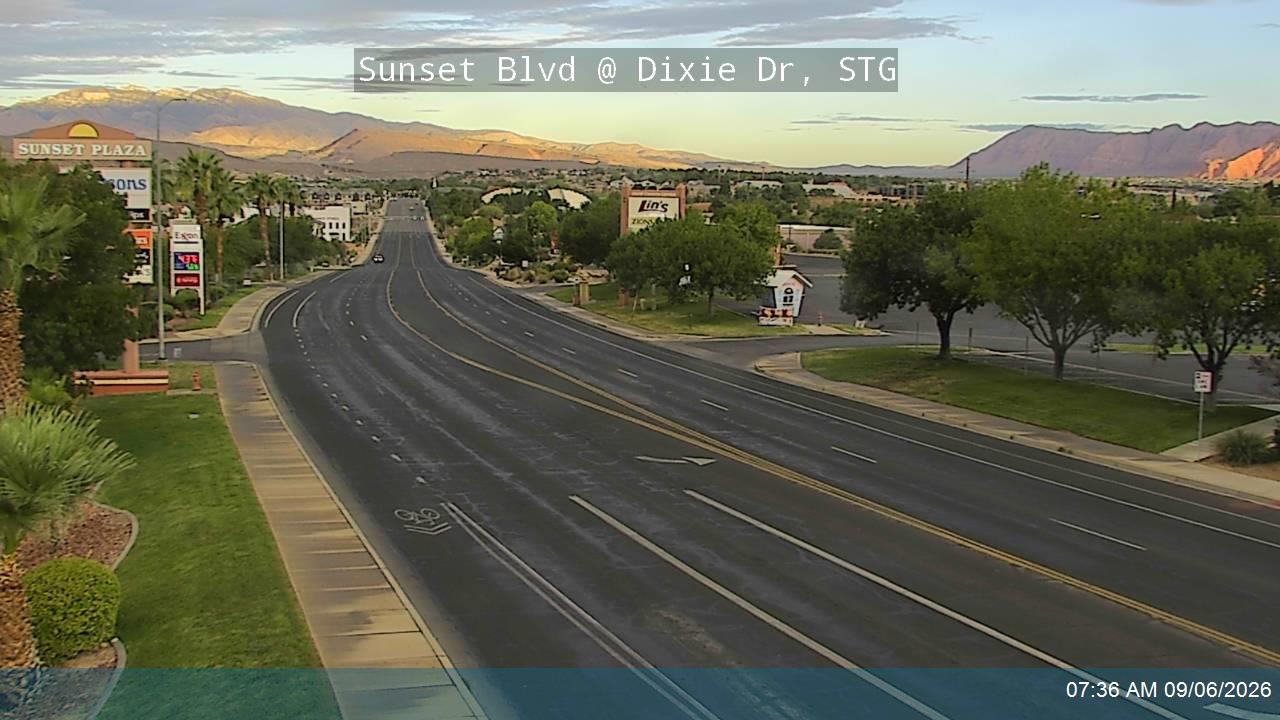 Verified · 2h updates ~every 5 min
No incidents or closures currently reported by UDOT for this route. Reports refresh about every 10 minutes.
All cameras · 4 live
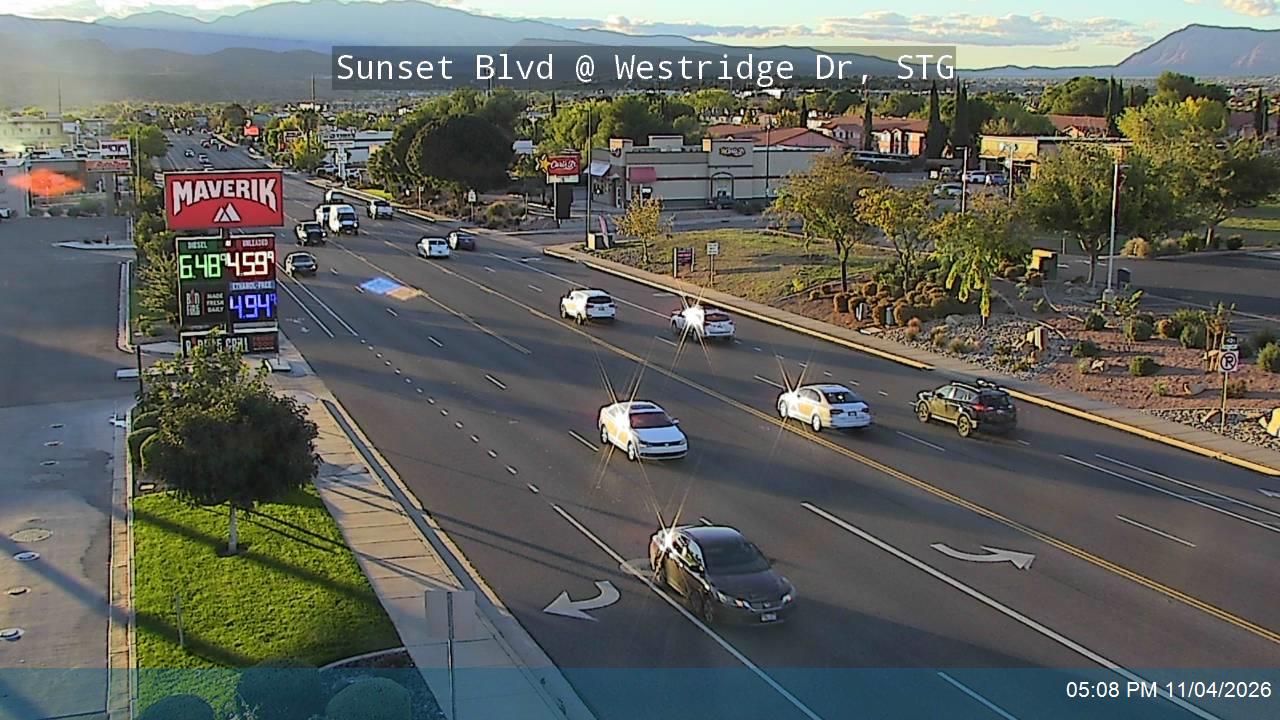 Verified · 8h updates ~every 5 min
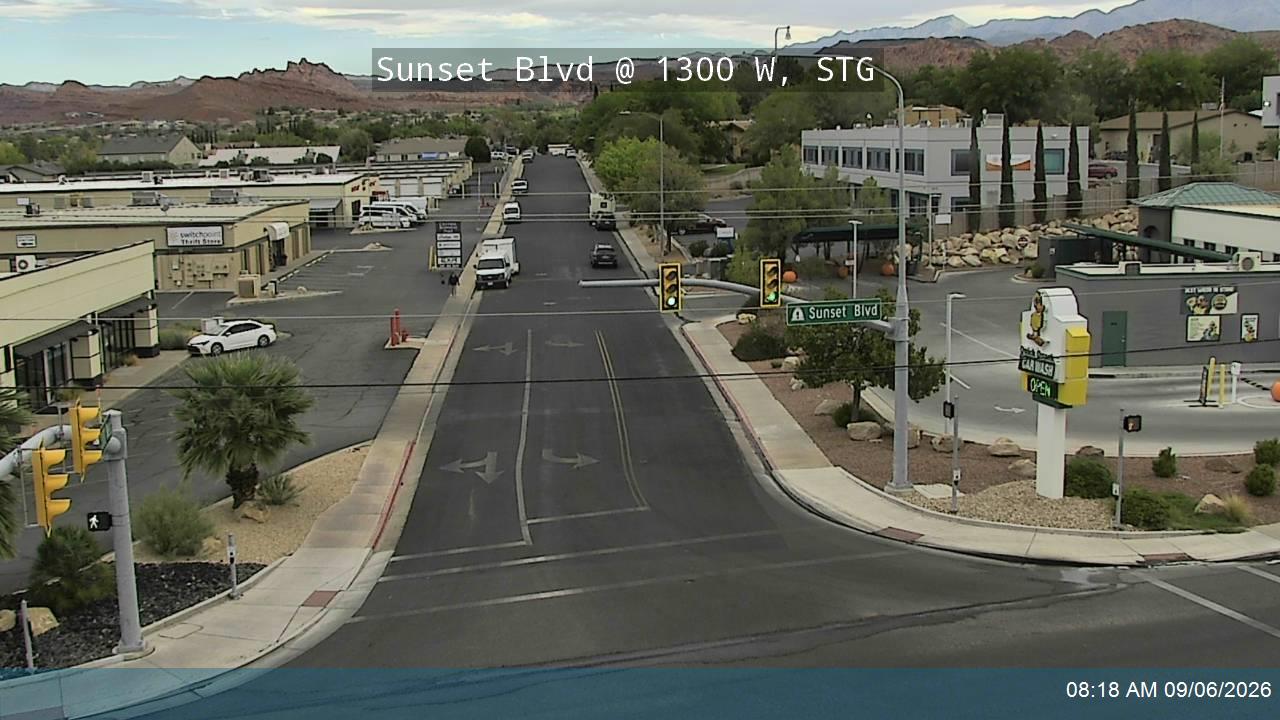 Verified · 9h updates ~every 5 min
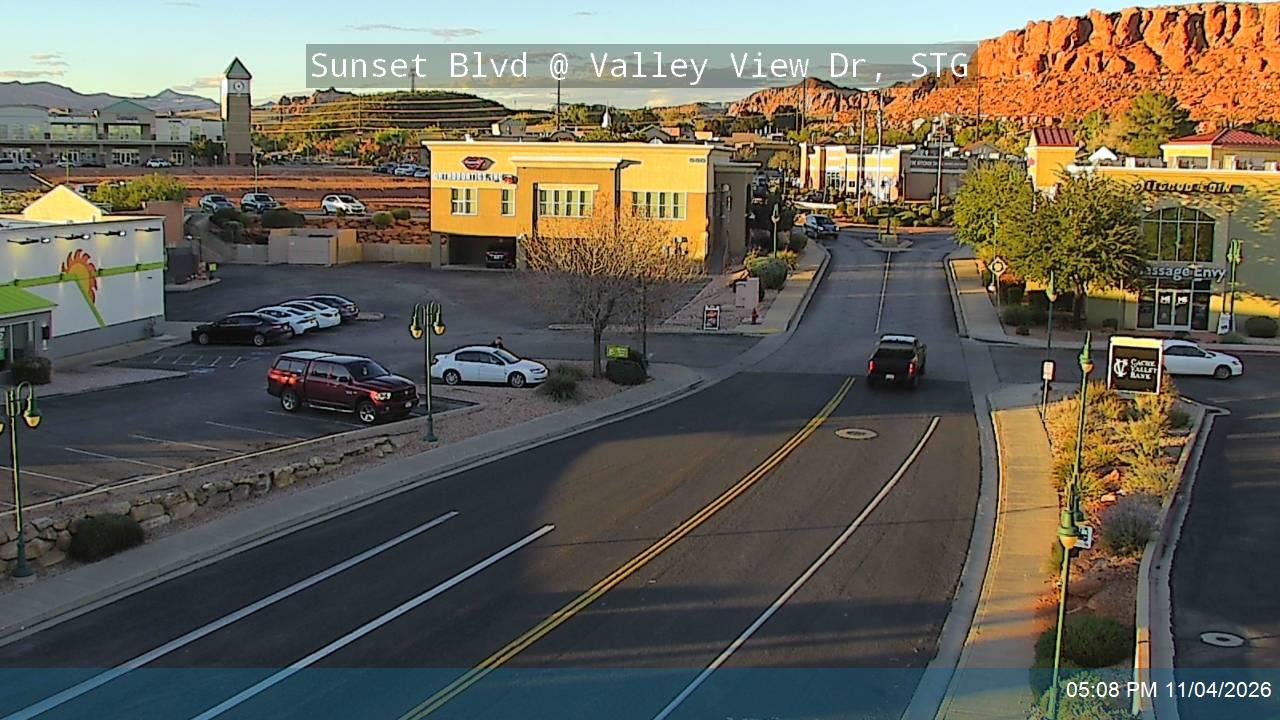 Verified · 9h updates ~every 5 min
SR-8 in Utah road conditions
- How do I check SR-8 in Utah road conditions?
- Check SR-8 in Utah road conditions with the live cameras on this page: 4 of 4 live in the last 24 hours. Each camera shows the pavement, weather, and traffic at its spot right now. It is a current image, not a text report or incident feed. Cameras are placed along SR-8.
- Are these cameras live?
- We recheck every camera around the clock. A camera's badge shows when its feed last answered a check, and a feed that stops answering is marked offline. 4 of 4 showed a live picture in the last 24 hours.
- Is SR-8 in Utah closed right now?
- A camera is the fastest visual check, but closure calls are official ones: for closures, accident reports, and chain controls, see UDOT road conditions. UDOT road conditions
More Utah highways
- I-15 Utah cameras
- I-215 Utah cameras
- I-70 Utah cameras
- I-80 Utah cameras
- I-84 Utah cameras
- SR-10 Utah cameras
- SR-101 Utah cameras
- SR-102 Utah cameras
- SR-105 Utah cameras
- SR-106 Utah cameras
- SR-83 Utah cameras
- SR-85 Utah cameras
- SR-87 Utah cameras
- SR-88 Utah cameras
- SR-9 Utah cameras
- SR-92 Utah cameras